Free Teaching Template By CapCut
Create engaging educational videos with a free teaching template from CapCut. Customize professional designs in seconds to make your lessons stand out. Start now!
More Templates



Youtube Thumbnail Learn to be successful
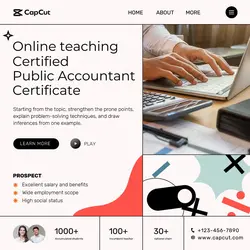
Education Online teaching Branding Modern
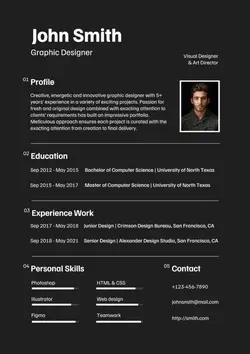
Resume Template
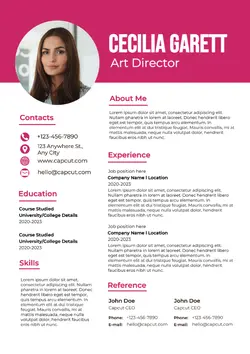
Resume Template
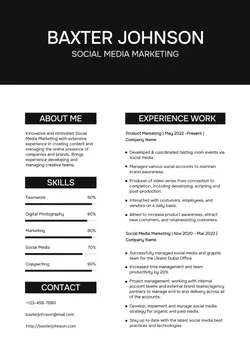
Resume Template
Resume Template
Resume Simple Template
Weekly Planner Template
Weekly Planner Template
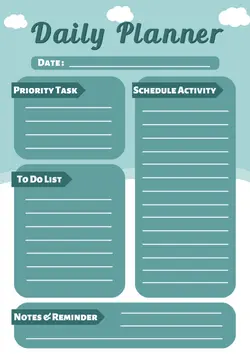
Daily Planner Template
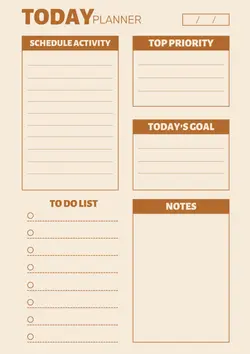
Daily Planner Template
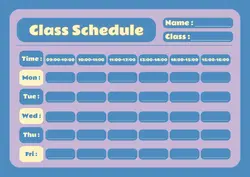
Class Schedule Template
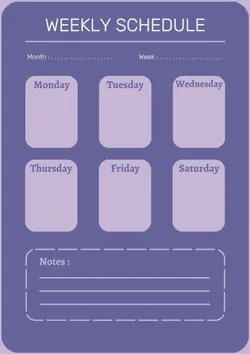
Weekly Schedule template
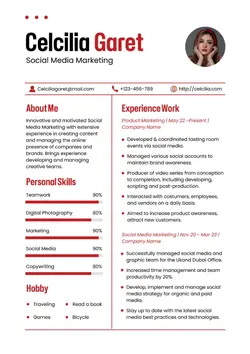
Modern Resume Template
Product Promo Template

THANKSGIVING FESTIVAL Template

Best Deal Template

Special Sale Template

TEMPLATE SUNGLASSES DISCOUNT

Template Menu Dist 2
1
Hot Templates
Training Video 2026Education And TrainingMath EditEducatedPractice VideoChinese LanguageChef TrainingTraining SessionCarpenter TrainingQuiz TemplateTutorial Step By StepClassesMedia Designer TrainingLaboratory TemplateLab TemplateAdditive Colour MixingTraining Template VideoPractical Guide TemplateVideo Editing TutorialLearn8 Training VideoAbcd SongTemplate For CoachesCourse Promotion TemplateCover Page DesignEducation Free DownloadFlags And CountriesFree Computer Science CoursesCurriculumsChildren'S ReadingEducationEnglish PhotosEducational MessagesAstronomyEducation IntroArabic LanguageCertificateSign LanguageCheat Sheet TemplateSocial WorkShow SolutionTeacherPersonal Training PromotionsCampus New Student Admission Ad VideoEnglish PictureAnimation And Vfx CourseEssay Cover TemplateMind Map TemplateInformative
About teaching template
Finding the right teaching template to create compelling educational content has never been easier. CapCut’s collection of professional teaching templates makes it simple to produce high-quality videos that captivate your students. Designed for the modern education and training industry, each template is fully customizable, allowing you to insert your own text, clips, and branding effortlessly. Forget spending hours on complex video editing. Our templates provide a polished foundation, so you can focus on delivering impactful lessons. Whether you’re creating tutorials, course modules, or classroom announcements, you’ll find the perfect design to fit your needs. Start browsing our templates and bring your next lesson to life with just a few clicks.
Turn teaching templates into one complete instructional section
The page shows Teacher, Req Creative Minds, in my teacher era, study with me, study vlog, and related options such as Tutorial Step By Step, Math Edit, Laboratory Template, and Training Template Video. Teaching templates can introduce an educator, open a lesson, demonstrate a process, or summarise a classroom topic. Choose one learning objective before adding visuals.
Explain in the order a learner needs
Start by naming the task and any knowledge or materials required. A demonstration should show the setup, the decisive actions, and the expected result. A concept explanation can move from a plain definition to one worked example and a quick check. Do not let decorative transitions split an equation, safety instruction, or physical action at the point where viewers need to see it clearly. If the lesson continues elsewhere, say what this short section does and does not cover.
Review for accuracy, access, and classroom context
Check terminology, calculations, quotations, labels, pronunciation guides, and source references. Captions should match the spoken explanation and remain clear of diagrams or hands. Use large enough text for the intended placement, and describe visual information that cannot be understood from speech alone. If students appear, confirm the relevant consent and privacy arrangements.
Before publishing, ask someone unfamiliar with the lesson to follow the steps without extra explanation. They should be able to identify the objective, see the important action or example, and understand the ending check. The template can organise attention, but a teachable sequence depends on correct content and a realistic amount of information.
FAQs
Q: How many learning objectives should one short teaching video cover?
A: Usually one objective is enough. A short video can define a concept, demonstrate a procedure, or practise one decision, but trying to do all three may reduce clarity. State the objective early and move additional topics into separate sections.
Q: What order works for a step-by-step teaching template?
A: Name the task, list any essential preparation, show each action in sequence, reveal the expected result, and include a final check. Keep numbering consistent between speech, captions, and visuals so learners do not lose their place.
Q: Where should captions go in a demonstration video?
A: Place them in a stable area that does not cover hands, tools, equations, labels, or the result. Preview the entire action because a clear corner at the start may become important later when the camera or subject moves.
Q: How can I tell whether a worked example is complete?
A: It should show the starting information, the decision or calculation steps that matter, and a checked result. Do not jump from the question directly to the answer when the missing reasoning is the part learners need to practise.
Q: What should be sourced in a teaching video?
A: Provide or retain appropriate references for quotations, statistics, diagrams, historical facts, external demonstrations, and specialised claims. Classroom conventions differ, so follow the required citation style and keep enough information for viewers to identify the source.
Q: How should I end a short lesson video?
A: Use a quick check, a prompt to apply the idea, or a concise summary of the demonstrated result. The ending should test or reinforce the stated objective, not introduce a new topic that the video has no time to explain.